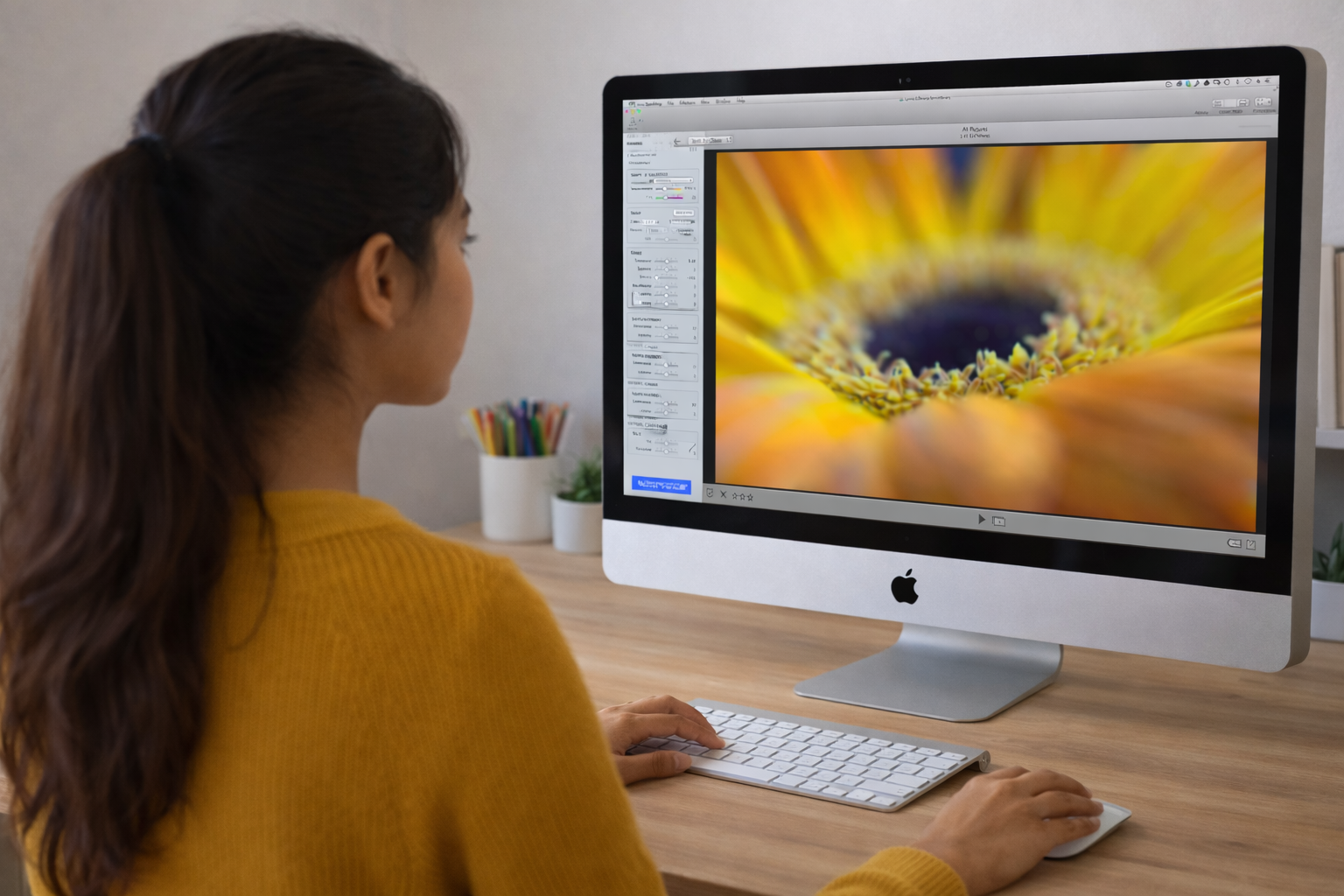
This video introduces the Lytro Virtual Camera, a powerful tool within Lytro Desktop 4 that unlocks the potential of “living pictures.” Unlike traditional photography, which captures a flat image, Lytro’s Light Field technology captures 3D data. This allows photographers to adjust focus, perspective, aperture, and focal tilt long after the shutter has been pressed, offering a level of creative flexibility previously reserved for high-end cinema or complex tilt-shift lenses.
(Source: Lytro, Adam Gould, March 13, 2018, Original URL, Archived URL)
Video Summary
| Timestamp | Description |
| 00:00 – 00:25 | Demonstrates the “Living Picture” core: clicking to change focus and dragging for a “Perspective Shift.” |
| 00:26 – 00:41 | Shows how to render a version of the image where every depth layer is sharp simultaneously. |
| 00:42 – 01:25 | Explains the ability to shift from f/2 (shallow depth of field) to f/16 (deep focus) post-capture. |
| 01:26 – 01:54 | Shows how narrowing the aperture increases clarity across the entire 3D scene. |
| 01:55 – 02:20 | Introduces the tilt tool, allowing the focus plane to be angled rather than staying parallel to the sensor. |
| 02:21 – 02:40 | Demonstrates rotating the focal plane to keep two subjects at different distances in focus at once. |
| 02:41 – 03:12 | Explains the sharpening mask, noise reduction tool, and resetting an image |
Detailed Breakdown
- Interactive Depth & Perspective (00:00 – 00:41): The first segment establishes the foundational difference between a standard image and a “Living Picture.”
- Dynamic Refocusing: The demonstrator shows that the “focus point” is not baked into the file. Clicking any element—foreground or background—instantly recalculates the image to sharpen that specific depth layer.
- Parallax & Perspective Shift: By clicking and dragging the mouse, the camera view shifts slightly. This reveals what is “behind” objects, emphasizing that the camera captured the scene from multiple angles simultaneously.
- All-in-Focus Preview: A unique toggle that bypasses the shallow depth of field entirely, providing a crisp, deep-focus view of the entire scene at once.
- Mastering the Virtual Aperture (00:42 – 01:54): This section introduces the core update in Lytro Desktop 4, treating the software as a physical lens.
- Simulated Optics: The video explains that the camera hardware captures at a wide f/2 to gather maximum light-field data, but the software can “stop down” the lens virtually.
- Aperture Range (f/2 to f/16): *At f/2: Users achieve a cinematic shallow depth of field with high-quality background blur.
- At f/16: The software uses the light-field data to bring every element into sharp focus, mimicking a landscape photographer’s narrow aperture.
- Real-Time Feedback: The demonstrator uses a slider in the sidebar to show how the depth of field expands and contracts instantly without re-rendering the whole image.
- Advanced Focal Plane Manipulation (01:55 – 02:40): The final segment covers the “Virtual Camera” tools that simulate professional Tilt-Shift photography.
- Creative Precision: The sidebar provides “Tilt” and “Rotation” sliders, giving the photographer mathematical precision over the angle of focus.
- Tilt Control: Standard cameras have a focal plane that is always parallel to the sensor. The Virtual Camera allows you to “tilt” this plane forward or backward.
- Rotation (The Wedge Effect): By rotating the focal plane, the user can create a “wedge” of focus. This allows for creative shots where two subjects at different distances (e.g., a person in the foreground and a sign in the background) are both sharp, while the area between or around them is blurred.
- Additional Photo Editing Details (02:41 – 03:12): The non-destructive photo editing tools includes an unsharp mask (USM) and a noise reduction tool to adjust luminance and color reduction. Any change change be easily reverted to its original state.
Key Takeaways
- Total Post-Shot Sovereignty: The primary takeaway is the move from capturing a moment to directing it. The photographer is no longer limited by the settings chosen at the time the shutter was pressed.
- Elimination of Specialized Gear: Features like “Focal Plane Tilt” essentially provide the benefits of a $2,000 tilt-shift lens within a free software interface.
- Hybrid Workflow: The video demonstrates that the best results come from a combination of interactive clicking and precise slider adjustments in the “Virtual Camera” group.
- The “Data-First” Approach: Understanding that a Lytro file is 3D data allows the user to treat the editing process like a virtual film set rather than a simple photo editor.