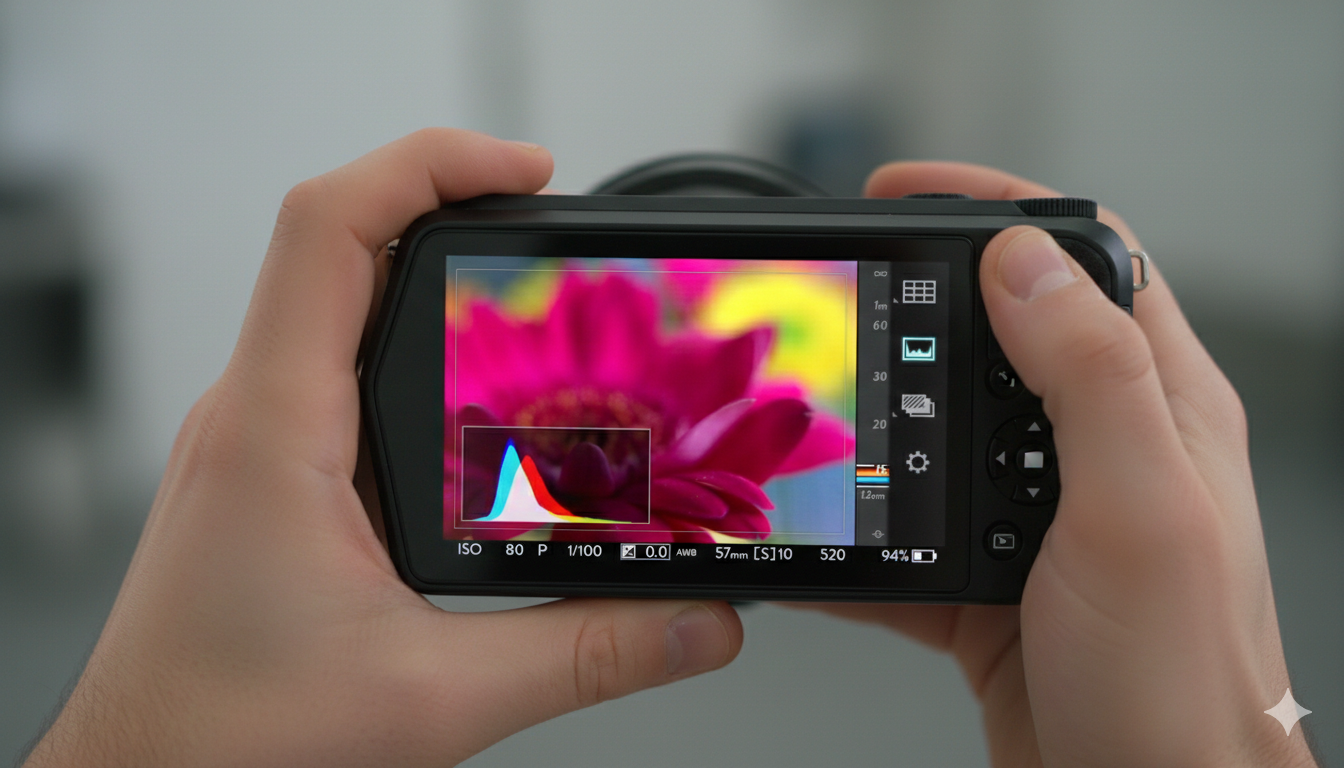
This video is a comprehensive introduction and technical showcase of the Lytro ILLUM, a second-generation light-field camera. It details how the device captures the “entirety of the light field” to allow for post-capture adjustments like refocusing and perspective shifting.
(Source: Lytro, Adam Gould, March 13, 2018, Original URL, Archived URL)
Video Summary
| Timestamp | Description |
| 00:00 – 00:35 | Introduction to the philosophy behind Lytro; moving beyond 2D “flat” photography to capturing a richer 3D world. |
| 00:36 – 01:10 | Close-up shots of the Lytro ILLUM hardware, highlighting its sleek, angled industrial design and the custom lens. |
| 01:11 – 01:55 | Explanation of the sensor and microlens array. It illustrates how the camera captures position and direction of light rays (40 Megaray sensor). |
| 01:56 – 02:40 | Demonstration of the “Lytro Button” and the real-time depth histogram, which shows the “refocusable” range of a shot before it’s taken. |
| 02:41 – 03:25 | Showcasing the desktop software. Features include changing the focus point, adjusting depth of field (f-stop), and “Living Pictures” (slight 3D parallax). |
| 03:26 – 04:40 | Testimonials and examples from professional photographers using the ILLUM for fashion, action, and storytelling. |
Core Technical Features Highlighted
- 40 Megaray Sensor: Unlike traditional megapixel counts, this measures the total number of light rays captured.
- Custom Lens: An 8x optical zoom (30 – 250mm equivalent) with a constant f/2.0 aperture.
- Light Field Engine 2.0: The onboard processing power that allows for instant depth feedback on the touchscreen.
- Living Pictures: The ability to export images as interactive files or animations that pan, tilt, and refocus.
Key Takeaways
The video emphasizes that the Lytro ILLUM isn’t just a camera upgrade, but a new category of imaging. By capturing the “direction” of light, it removes the pressure of getting the focus perfect in the moment, allowing the creator to decide the focus and depth of field during the editing process.