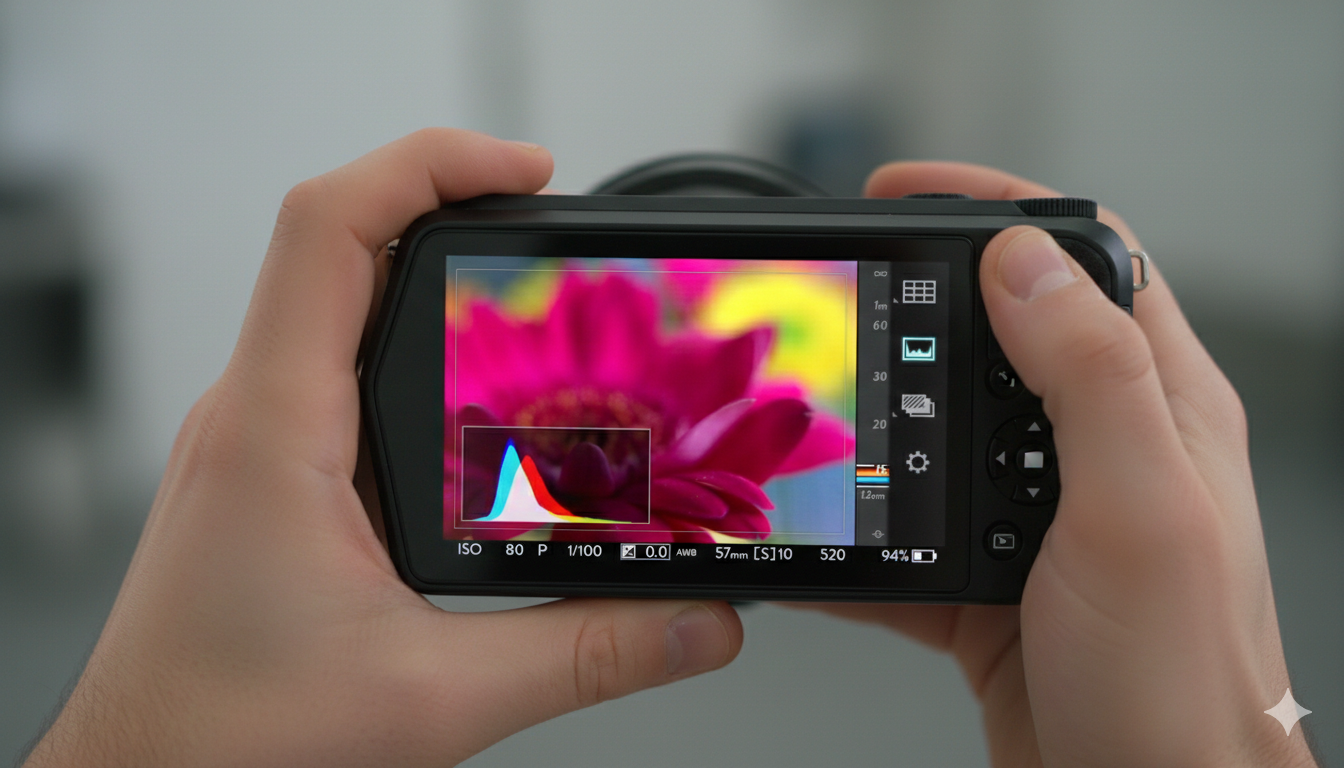
Static photos are a thing of the past. In the era of “Living Pictures,” Lytro Desktop 5 stands as the definitive engine for depth-based creativity. From its Windows-optimized workflow to its groundbreaking ability to manipulate the laws of physics—like changing your f-stop after the fact—this version is the must-have companion for anyone still pushing the boundaries of what a camera can do.
When Lytro first introduced the concept of “shoot now, focus later,” it felt like science fiction. Lytro Desktop 5 was the final, most polished evolution of the software designed to handle these unique “Living Pictures.” For photographers and tech enthusiasts, it wasn’t just an editor; it was a specialized engine that turned light-field data into interactive media.
Here is a summary of what makes Lytro Desktop 5 the definitive toolkit for light-field photography.
1. The Core Innovation: DepthFX
The standout feature of version 5.0 is DepthFX. While previous versions focused primarily on changing the focal point, Desktop 5 allows for depth-based image editing.
- Selective Adjustments: You can isolate specific depth layers to change exposure, saturation, or contrast. For example, you can brighten a subject in the foreground without overexposing the background.
- Virtual Green Screen: Because the software knows exactly how far away every pixel is, it can perform “Background Replacement” without a physical green screen. You can swap out a background entirely while keeping the “refocus-able” nature of the foreground.
2. Living Pictures & Interactive Media
Lytro Desktop 5 is the bridge between a raw file and a “Living Picture.” It enables three main types of output:
- Refocusable Images: The classic Lytro experience where viewers can click anywhere in the frame to shift focus.
- Perspective Shift: By clicking and dragging, you can subtly change the point of view, creating a 3D-like effect from a single lens.
- Cinematic Animations: You can export your photos as MP4 videos that automatically “rack focus” (shift focus from front to back), perfect for social media or blog headers.
3. Advanced Optical Controls
Rather than fixing a photo, Lytro Desktop 5 lets you “re-craft” the optics of the shot:
- Virtual Aperture: You can change the f-stop after the fact (ranging from f/1 to f/16), allowing you to expand or shrink the depth of field at will.
- Tilt/Shift: You can virtually tilt the lens plane to create “miniature” effects or bring two objects at different distances into sharp focus simultaneously.
4. Workflow & Compatibility
- Platform: Version 5 was famously released as a Windows-only update, bringing it up to parity with (and in some ways surpassing) the Mac version.
- File Management: It supports bulk processing and upgrading of “Living Pictures” and offers a streamlined “Adjust” menu for traditional edits like sharpening and noise reduction.
Get Started: Download Lytro Desktop 5
Ready to unlock the full potential of your light-field photos? You can download the official installation package for Windows below. Simply run the executable to begin the setup process and start exploring the power of DepthFX.
Download Lytro Desktop 5 (.exe)
Installation Tip: If you are on Windows 10 or 11, you may need to right-click the .exe and select “Run as Administrator” to ensure all depth-rendering libraries install correctly.
Note that Lytro Desktop 5 is a Windows-exclusive release. While older versions existed for Mac, version 5.0 was built specifically to leverage Windows-based processing for its advanced depth-editing tools.
System Requirements for Lytro Desktop 5
To handle the complex light-field data and 3D rendering, a 64-bit environment is required.
| Feature | Minimum Requirement | Recommended (for DepthFX) |
| Operating System | Windows 7, 8, or 10 (64-bit) | Windows 10 (64-bit) |
| Processor | Dual-core CPU (Intel Core 2 Duo) | Intel i5 Quad-Core or better |
| Memory (RAM) | 4 GB | 8 GB or more |
| Graphics Card | DirectX 10.0 compatible | DirectX 11.0 (NVIDIA GTX 760 / AMD Radeon 7970) |
| Video Memory | Intel HD Graphics 4000 | 2 GB+ Dedicated VRAM |
| Hard Drive | 1 GB for installation | SSD (for faster image processing) |
Note for Users: Processing “Living Pictures” is CPU and GPU intensive. If you are working with high-resolution images from the Lytro Illum, 8 GB of RAM is highly recommended to prevent the software from lagging during depth-map generation.