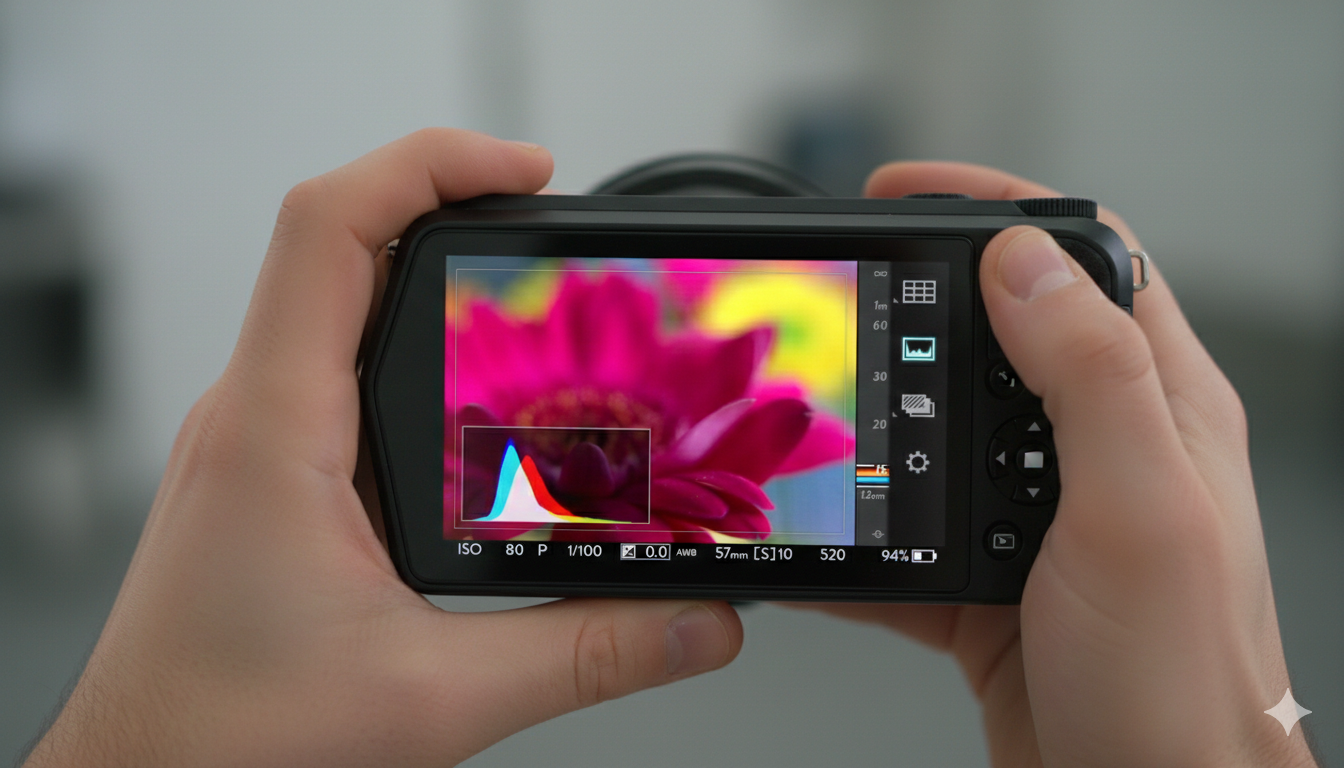
This tutorial introduces the Virtual Camera features within Lytro Desktop 4, demonstrating how “living pictures” go beyond static images by capturing the entire light field. The video explores how photographers can manipulate optical properties after the shot is taken—actions that were traditionally impossible with standard digital cameras.
(Source: Lytro, Adam Gould, March 13, 2018, Original URL, Archived URL)
Video Summary
| Timeframe | Description |
| 00:00 – 00:05 | Introduction and objectives of the video. |
| 00:06 – 00:25 | Interactive approach to change optical attributes (focus and perspective shift). |
| 00:26 – 00:41 | Previewing all-in-focus versions of pictures. |
| 00:42 – 01:54 | New optical adjustments in Lytro Desktop 4, specifically aperture control. |
| 01:55 – 02:37 | Focal plane tilt and rotation adjustments. |
Detailed Breakdown
- Interactive Controls (00:00 – 00:25): The speaker demonstrates how users can interact with their pictures by clicking to change the focus point and clicking/dragging to see a perspective shift.
- Aperture Adjustment (00:26 – 01:54): The video highlights the revolutionary ability to change the aperture in post-capture. It explains that Lytro cameras capture 3D data at a wide aperture (f/2) but store data equivalent to a much narrower aperture (around f/16), allowing for a range of focus adjustments.
- Focal Plane Tilt (01:55 – 02:37): This feature allows users to adjust the tilt and rotation of the focal plane, simulating the effect of a tilt-shift lens. The video shows how to use the “Virtual Camera” group in the sidebar to modify these settings.
Key Takeaways:
- Post-Capture Control: Users can interactively change the focus point and shift the perspective of an image simply by clicking and dragging.
- Virtual Aperture: The software allows you to adjust the aperture from f/2.0 to f/16. This enables you to transition from a shallow depth-of-field with creamy “bokeh” to an all-in-focus shot where every detail is sharp.
- Focal Plane Tilt: The Virtual Camera simulates tilt-shift lens effects, allowing you to tilt or rotate the plane of focus. This can be used to keep multiple subjects at different distances in focus simultaneously or to create creative, miniaturized aesthetics.
- The “Living Picture” Concept: By capturing 3D data rather than a 2D plane, Lytro allows for a cinematic level of creative freedom during the editing process.
Explore more videos in this series:
- Introducing the Virtual Camera
- Adjusting Living Pictures
- Animating Living Pictures
- Exporting Living Pictures
- Introducing Focus Spread
- Present Your Living Picture